
Start with an accessibility profile
Choose a preset for Epilepsy, ADHD, Seizure Safe, or Low Vision, then change individual settings to suit personal preferences.
Give people more control over how they experience your website. AccessiYes brings text, contrast, reading, and navigation controls together in an accessibility toolbar visitors can open whenever they need it.
Add it using an installation code or the free WordPress plugin.
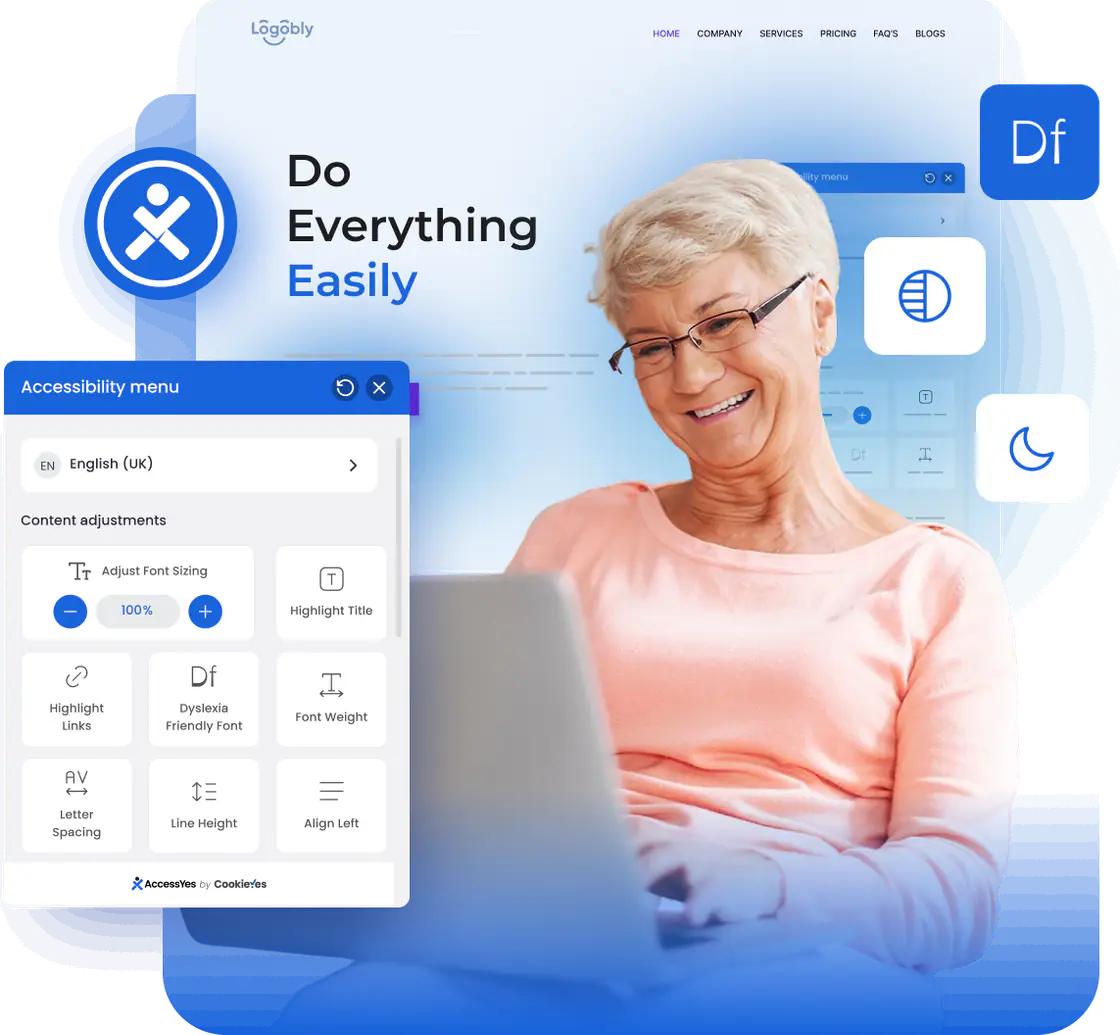
Larger text, different contrast, or a guide to follow each line. Give visitors settings they can choose and combine to suit their browsing preferences. Open the widget in the preview and try the controls yourself.
Try it: increase the text size, change the contrast, or turn on the reading guide.
Give visitors more ways to adjust how your content appears.
Let visitors choose a display setting that works for them.
Offer more ways to follow and interact with content.
Give visitors controls to manage distractions.
Choose a preset for Epilepsy, ADHD, Seizure Safe, or Low Vision, then change individual settings to suit personal preferences.
Create an accessibility statement or link an existing statement or VPAT through the widget. Review the information to ensure it accurately describes your website.
Let visitors use the accessibility toolbar in a supported language they understand. Language settings apply to the widget interface.
AccessiYes works with popular website builders and ecommerce platforms, including WordPress, Shopify, Wix, and Webflow, as well as custom-built websites. Add it through the WordPress plugin or use the installation code for other platforms.









Choose your installation method and give visitors access to free browsing adjustments.
Follow the setup steps to generate your installation script.
Use your platform's installation instructions to place the script on the pages where the widget should appear.
Open your website and check the widget in action.
Search the WordPress plugin directory or download the plugin.
Activate AccessiYes from your WordPress dashboard. No code editing is needed.
Open the widget and explore the available adjustments.
Need help getting started? View installation guides.
Read their experiences with installation, everyday use, and support from our team.
★★★★★Excellent plugin – Incredible support!"Not only is it an excellent plugin, but the support is incredibly efficient. I had a small problem following WordPress updates, which was resolved quickly and easily. There are real people behind this plugin. I highly recommend it."
★★★★★Simple plugin with brilliant support!"Since I'm building a website with an EU grant, accessibility requirements were essential. I needed support in Polish, English, and Ukrainian. It took Ryan and his team literally a few days to prepare the Ukrainian language update. I was pleasantly surprised by his openness. I believe this plugin will support many important community projects!"
Accessibility guidelines and laws help define how people with disabilities should be able to access digital content and services. WCAG sets technical criteria, while the ADA and EAA establish legal requirements for the organisations and services they cover.
Developed by the World Wide Web Consortium (W3C), WCAG provides testable criteria for web accessibility. These cover areas such as text contrast, keyboard access, image alternatives, and form usability. Conformance is assessed against a specified version and level: A, AA, or AAA.
The Americans with Disabilities Act prohibits disability discrimination. The US Department of Justice states that its requirements apply to online services offered by state and local governments and businesses open to the public. For websites, this means addressing barriers that prevent people with disabilities from accessing those services.
The European Accessibility Act is an EU directive covering specified products and services, including ecommerce, consumer banking, and e-books. For services within its scope, accessibility requirements extend to relevant websites and mobile apps. Applicability depends on the service and the exemptions and provisions in national implementing laws.
Everything you need to know before adding the widget to your site.