









Font size controls
Visitors can increase or decrease text size site-wide so content is always comfortably readable: no squinting, no zooming.
AccessiYes gives your visitors control over how they experience your site, adjusting fonts, contrast, spacing, and more to suit their own needs.
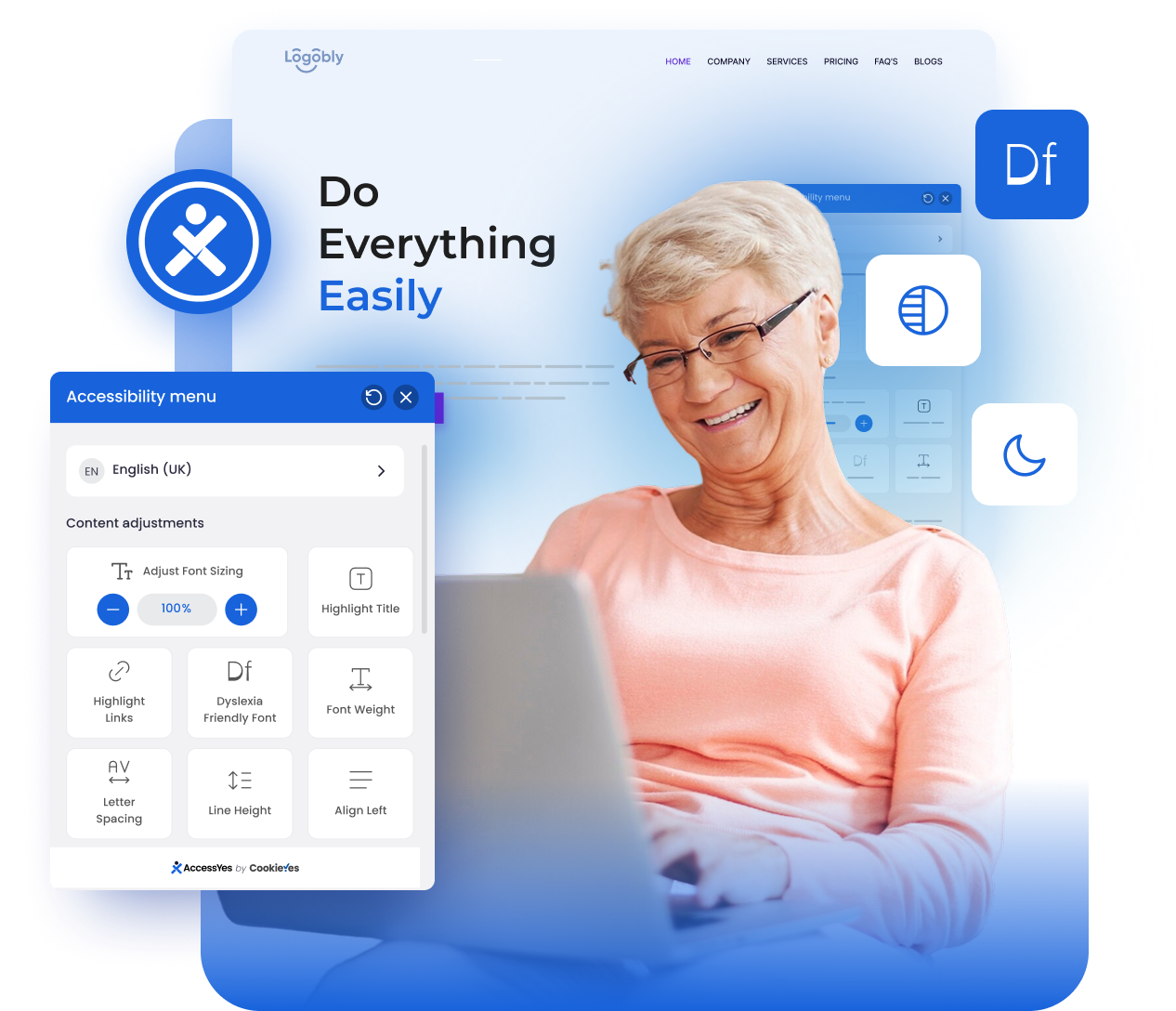
Click the accessibility button in the browser below and toggle the features that matter most to your visitors.
Visual representation for demo purposes. Actual widget UI may vary.
No developers. No configuration headaches. AccessiYes is designed so any WordPress site owner can be live in under 2 minutes.
Search "AccessiYes" in your WordPress plugin directory and click Install: or download directly from WordPress.org and upload the zip.
One click in your Plugins screen. The widget appears on your site automatically: no shortcodes, no theme edits, no setup wizard required.
Visitors click the accessibility button and instantly adjust fonts, colours, contrast, cursor size, and more to suit their own needs.
Works with major platforms and custom websites. Setup takes only a few minutes.
AccessiYes covers the accessibility needs of users with visual, cognitive, motor, and neurological conditions: all adjustable by visitors themselves, in real time.
Visitors can increase or decrease text size site-wide so content is always comfortably readable: no squinting, no zooming.
Switch your site's typography to a high-legibility font designed for people with dyslexia, improving reading speed and comprehension.
Fine-grained control over letter spacing and line height, plus a left-align option for users who benefit from consistent text flow.
Three contrast modes let visitors with visual sensitivities, migraines, or low vision choose a colour scheme that works for their eyes.
Toggle between low saturation, high saturation, and grayscale: essential for users with colour blindness or photosensitivity.
A horizontal guide follows the visitor's cursor to help track lines of text: invaluable for users with ADHD or reading difficulties.
Let visitors stop all motion and animation instantly: crucial for users with vestibular disorders or seizure triggers.
A larger, high-contrast cursor makes navigation significantly easier for users with low vision or motor control challenges.
Generate or link your accessibility statement and display it inside the widget: a simple step toward ADA and EAA transparency.
Join thousands of site owners who've made their WordPress sites more inclusive: hear what they have to say.
★★★★★Excellent plugin – Incredible support!"Not only is it an excellent plugin, but the support is incredibly efficient. I had a small problem following WordPress updates, which was resolved quickly and easily. There are real people behind this plugin. I highly recommend it."
★★★★★Simple plugin with brilliant support!"Since I'm building a website with an EU grant, accessibility requirements were essential. I needed support in Polish, English, and Ukrainian. It took Ryan and his team literally a few days to prepare the Ukrainian language update. I was pleasantly surprised by his openness. I believe this plugin will support many important community projects!"
Everything you need to know before you hit "Install".